How to Check an AI-Cleaned Spreadsheet Before You Trust It
Five checks for an AI-cleaned lead list: count the rows, verify duplicates by profile URL, treat filled blanks as guesses, freeze row references, spot-check.
An AI-cleaned spreadsheet fails quietly. The rows look tidy, the count is plausible, and nothing announces that three of your best leads are gone or that your research notes now belong to different people. Before you trust a cleaned list, run five checks:
- Count the rows, then account for the difference.
- Verify every duplicate by profile URL, never by name.
- Treat every filled-in blank as a guess.
- Freeze anything that points at row numbers.
- Spot-check the rows it says it didn’t touch.
This guide is about lead and contact lists cleaned by a chat AI through the usual export-paste flow, not formula writing or automated data pipelines. The examples are fictional rows from a synthetic test sheet.
Why this needs checking at all
In October 2026, one founder documented cleaning 7,819 LinkedIn connections with Claude in Google Sheets. The AI claimed it had found 146 repeat profile links. His manual check found zero exact repeats. During cleanup, names went blank and were later “restored,” and #REF! errors appeared in places he had to flag himself. He was careful and he checked. Had he trusted the 146-duplicate claim instead, it would have deleted real people from his list.
A second author ran the same kind of test on purpose: he planted four mistakes in an 80-row bank reconciliation and asked ChatGPT to find them. It caught all four. His conclusion was not “AI is fine.” It was a checklist: find the duplicate yourself, add the exceptions up, and never trust a summary you did not tie out.
We ran our own version before writing this. We built a synthetic 204-row lead sheet, the size of the first author’s research batch, with known traps planted: 18 real duplicates, 18 rows that only look like duplicates, 15 blank-name rows, and a separate research tracker referencing specific lead rows. Then we had an AI clean it and audited the result against the planted answers. The sheet was synthetic and we knew the trap types going in, so treat our numbers as one recorded run, not a benchmark. What broke is instructive anyway.
1. Count the rows, then account for the difference
Write down the row count before you hand the sheet over. Our test sheet had 204 rows and 18 true duplicates, so the correct cleaned count was 186. That number is the first thing the AI’s answer has to explain.
If the cleaned sheet has 181 rows, five people left the list who were not duplicates. If it has 190, four duplicates survived. “About right” is not a count. The AI’s summary sentence, “I removed the duplicates,” carries no information until the arithmetic closes.
2. Verify every duplicate by profile URL, never by name
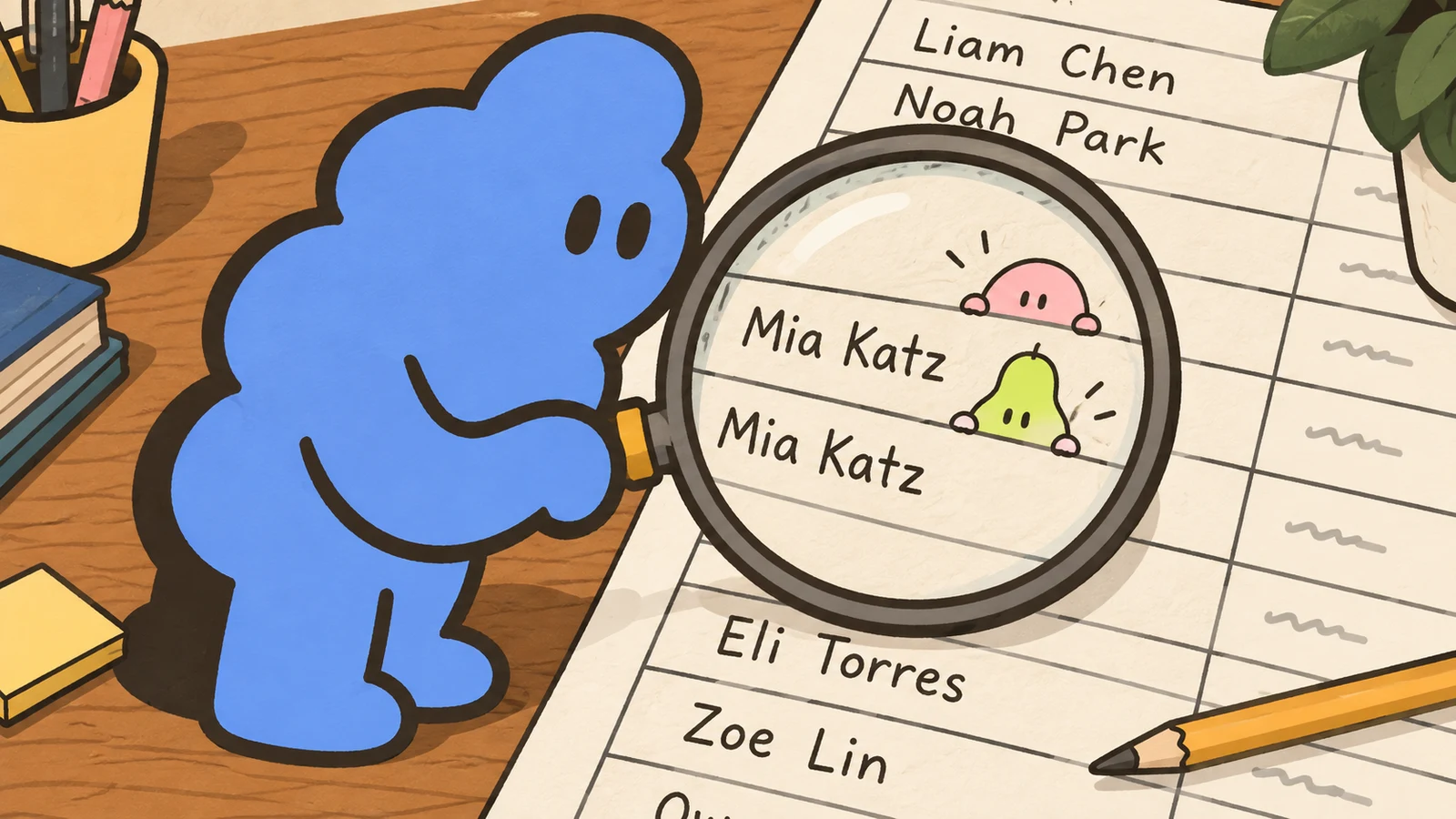
The expensive mistake is not the missed duplicate. It is the false one: two different people merged because they share a name. Our sheet held three women named Mia Katz with three different LinkedIn profiles at three different companies:
Mia Katz   linkedin.com/in/mia-katz-9839   Cloudberry Media    Founder, Fractional CMO
Mia Katz   linkedin.com/in/mia-katz-3815   Fern Gardening Co   Co-owner (part time)
Mia Katz   linkedin.com/in/mia-katz-3402   Fern Gardening Co   Office Manager
A cleanup keyed on names deletes two of them. We ran that counterfactual on our sheet: a name-based dedupe would have silently removed 13 of the 186 unique leads, seven percent of the list, including a Jon Keller and a Jonathan Keller at different companies. The same name at the same company can still be two people, one of whom changed roles.
The profile URL is the stable key. Two rows with the same URL are the same person; two rows with the same name are a question. When the AI says it found duplicates, ask for the list of pairs and check each one by URL before deleting anything. In our run, the AI pass keyed on URLs and resolved all 18 pairs correctly. At 204 rows in one pass that is achievable; the 146 false “repeats” in the founder’s case appeared at 7,819 rows inside a long chat. The larger and older the session, the less you should believe the count without this check.
3. Treat every filled-in blank as a guess
Fifteen rows on our sheet had no name, only a profile URL and a company. When we reconciled the audit, the fifteen had not all gone the same way: one blank row was itself a duplicate of a named row and had been removed with it, and the AI had filled in the other fourteen. It did the filling by reading the URL slug: linkedin.com/in/ethan-cohen-3282 became “Ethan Cohen.” In our synthetic sheet the guesses happened to be right, because we had generated the slugs from the names. That is an artifact of the test, and it is exactly the danger: in a real sheet the guess will sometimes be right, which makes the wrong ones invisible.
A slug is not a source. People keep slugs from old names, old spellings, and old employers. The first author hit the same behavior in reverse: names went blank during cleanup and were “restored,” with no way to tell a genuine recovery from an invention. Any cell the AI filled from nothing is a hypothesis. Mark filled values, and verify the important ones at the source before the list feeds anything else. And note what it took to even state the count here: fifteen planted, fourteen filled, one removed inside a duplicate pair. If your before-and-after numbers cannot tell that story for every row, that is check 1 failing, not check 3 passing.
4. Freeze anything that points at row numbers
This is the check nobody runs, because nothing breaks loudly. Our research tracker held notes on eight leads, each pointing into the lead sheet by address, the way =Leads!B131 does. After the cleaned block was pasted back over the sheet, we recomputed where those references landed:
=Leads!B131   now shows Lena Baruch, Vertex Coaching   (researched: Liat Baruch, Habitat Design)
=Leads!B116   now shows Sam Levi, Brightpath           (researched: Emma Vaknin, Harbor Lane)
=Leads!B54    now shows a blank-name row               (researched: Ben Nissan, Cedar & Co)
All eight references, eight out of eight, silently pointed to a different lead. Zero #REF! errors, zero warnings. Every research note was now attached to the wrong person, and the sheet looked finished. Whether any reference survives depends only on where the deleted rows happened to sit.
The fix comes before the cleanup, not after. The first author did this right without naming it: he froze his 204-person research batch as a fixed list, so later sheet surgery could not move his notes. Copy anything that matters, research notes, verdicts, outreach status, into a separate tab as plain values keyed by profile URL, then let the AI touch the working sheet. If a reference must stay a formula, re-point it deliberately after you have confirmed the new layout.
5. Spot-check the rows it says it didn’t touch
The summary always says the other rows are unchanged. Sample that claim. Pick ten rows the cleanup had no reason to modify, and compare them against the original export, cell by cell: company, title, date, spelling, spacing. Our audit compared every kept row this way, which is how we caught that the only changed values were the fourteen invented names.
A cleanup that “helpfully” normalizes a title, trims a date, or fixes a spelling has edited your data without telling you. Ten rows is enough to catch a pattern, and catching it once is enough to distrust the rest.
The checklist, in one place
AI sheet cleanup - pre-trust audit
1. Row count: original ___, cleaned ___, difference explained row by row ___
2. Duplicates: every claimed pair verified by profile URL, not name ___
3. Filled blanks: marked as guesses; important ones verified at the source ___
4. References: notes/status frozen as values in a fixed tab BEFORE cleanup ___
5. Untouched rows: 10-row sample matches the original export exactly ___
None of this needs anything beyond the sheet, the original export, and the patience to say “show me the pairs” before “thanks, looks good.”
Why it matters for outreach
The sheet is not the end of the work. It is the source your outreach personalizes from: the role you reference, the company you mention, the note you researched. A merged duplicate means a confident message to the wrong person. A shifted row means your “researched” detail belongs to someone else, and the recipient can tell.
A clean smaller list beats a bigger broken one. Dollar Outreach works from the LinkedIn profile URLs you paste in and keeps every send a manual click in your own LinkedIn sidebar, so what it says about a person comes from what you bring and approve. That makes the list underneath worth five checks. For auditing the messages themselves after the fact, see the outreach log audit, and for editing a DM without inventing a relationship, see the DM editing test.
Checked October 18, 2026: the two linked first-person tests. Our test sheet, planted answers, and audit scripts are synthetic and reproducible; the 8-of-8 reference result is one recorded run, the slug-filled names matched only because the test generated them, and the AI pass ran with knowledge of the trap types, though not their placement. No live Google Sheets run was used; the flow tested is the common export-paste one. Fictional rows shown are from the synthetic sheet, manually checked.


