LinkedIn Weekly Invitation Limit: How Many Invites, When It Resets, What Counts
LinkedIn does not publish its weekly invitation number. What its help pages confirm, what users consistently report (around 200, rolling 7 days), and what to do when you hit the wall.
LinkedIn never tells you the number. You find out it exists when the “You’ve reached the weekly invitation limit” error appears, usually mid-campaign, always at the worst time. Here is what LinkedIn officially confirms, what people who track their sending consistently report, and how to work inside it.
- What LinkedIn confirms.
- What users consistently report.
- What counts against the limit.
- When you hit the wall.
- The note limit is a different limit.
What LinkedIn confirms
LinkedIn’s invitation-limit help page confirms a limit exists for everyone, Basic and Premium alike, but nowhere states its size. What it does say, checked October 20, 2026:
- Hit the limit and your account is temporarily restricted from sending invitations, usually for about a week.
- Withdrawing pending invitations does not remove the restriction.
- You cannot buy or acquire more invitations while restricted, and LinkedIn will not remove or shorten the wait. Support cannot even disclose the reason for your specific restriction.
A second page, on types of invitation restrictions, adds the triggers: many invitations in a short time, invitations ignored or left pending or marked as spam, and suspected automation. It also says most restrictions lift on their own within a week, and that after you withdraw an invitation you cannot re-invite the same person for up to three weeks. A separate restriction for too many outstanding invitations can last up to a month.
So the official picture is: there is a weekly ceiling, it is per account, and LinkedIn considers the exact mechanics private.
What users consistently report
With no published number, the practical picture comes from people who hit the wall and compared notes. The reports are anecdotes, not measurements, but they cluster:
- The number is around 200 per week for many accounts. One account manager described sending 200 a week for a client for over a year before the ceiling suddenly dropped. Others report getting through roughly 180 to 200 invites, with two “nearing your limit” warnings, before the block.
- Lower ceilings exist. Accounts have reported hitting the limit at 50 in a week, and one account that had reliably sent 200 was cut off after 15 in a single day. The pattern people infer: LinkedIn adjusts your personal ceiling based on acceptance rates, account age, and how your sending looks. A sudden drop usually follows rejections, spam reports, or automation-like patterns.
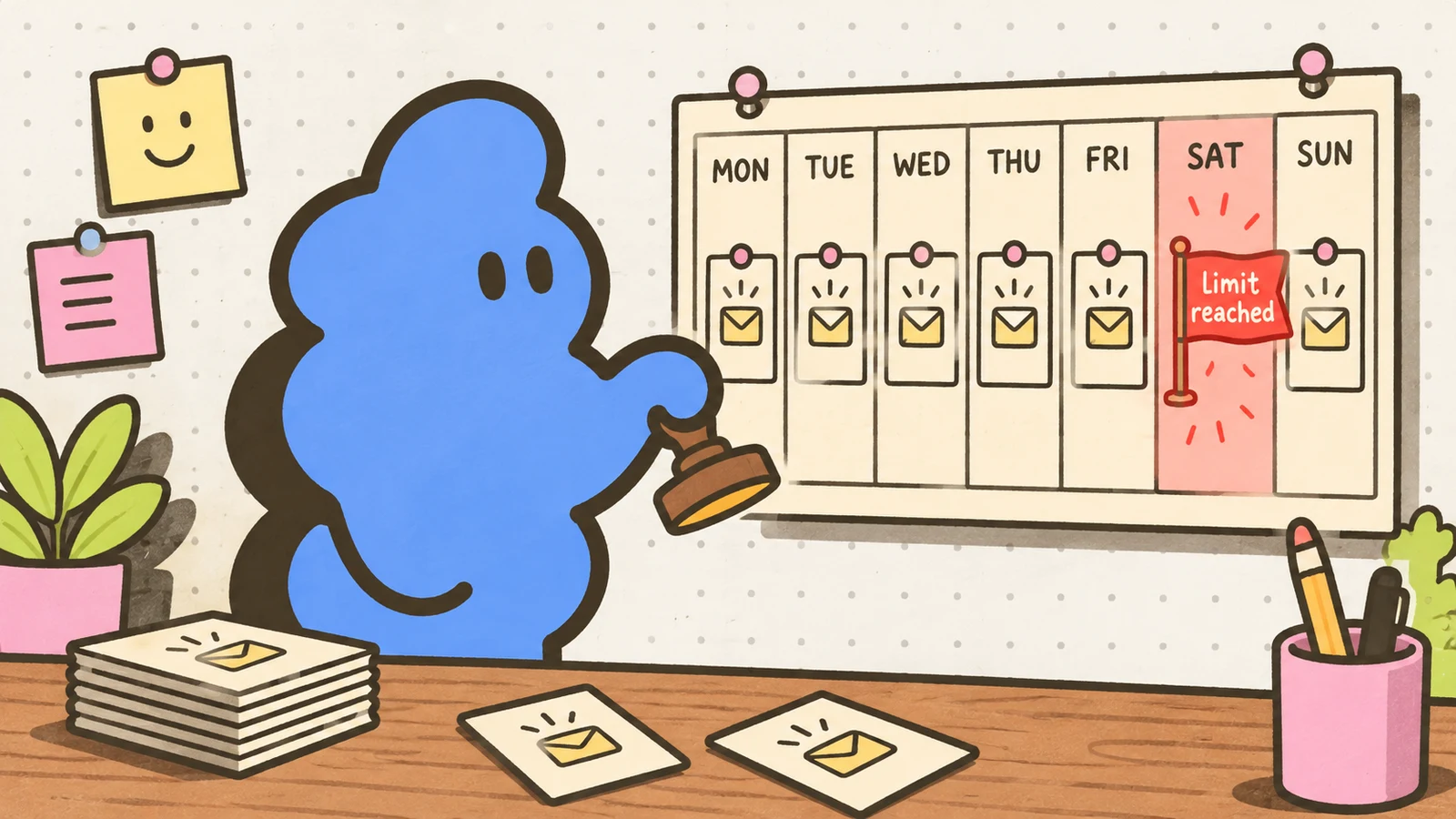
- The reset behaves like a rolling window, not a calendar week. Several people who tested it describe a tally of the last seven days rather than a Monday reset. Others observe the limit lifting sometime between Sunday night and Monday. Either way, blasting the whole allowance on Saturday leaves you dry for days, which is the practical point: the limit punishes bunching.
- There is no remaining-invites counter. The only notice is a warning when you get close, and it does not say how close.
Treat all of this as weather reports, not climate data: useful for planning, wrong often enough that you should not schedule a campaign to the exact number.
What counts against the limit
Every invitation you send counts, whether it is accepted, ignored, or left pending. Pending invitations hurt twice: they sit in the weekly tally, and a large pile of unanswered invites is itself a listed trigger for restriction. Withdrawing an old invite cleans up the pile but does not hand back capacity, and it locks you out of re-inviting that person for three weeks. Withdraw for hygiene, not for room.
When you hit the wall
The playbook is short because LinkedIn designed it that way. Wait it out. Most restrictions lift on their own within a week, and LinkedIn says a first restriction can clear after a few hours, repeated same-day ones after a few days, so check before assuming the full week. Do not open a second account to keep sending: LinkedIn’s User Agreement limits members to one account, and people who tried the replacement-account route report getting that account restricted too. Do not install a tool that promises to raise or bypass the ceiling; suspected automation is itself a trigger, and our automation warning guide covers what that notice means when it arrives. When the account comes back, spread invites across the week instead of front-loading, and tighten targeting so fewer invites die as pending or spam.
If you want a standing ceiling that never surprises you, use one you control. Dollar Outreach caps its own sidebar queue at 20 invitations a day, well under the ~200-per-week pattern most accounts report, and every invite is still a manual click by you after reading the profile. The details are in Safety caps explained.
The note limit is a different limit
Do not confuse the weekly invitation cap with the monthly personalized-note cap. LinkedIn’s own pages say free accounts can attach a note to only a handful of connection requests per month, while the weekly cap governs how many invitations you can send at all. The note cap has its own quirks, including two LinkedIn pages that disagree on the number; we track it in the connection notes guide.
Checked October 20, 2026: LinkedIn’s invitation-limit and restriction-types help pages, linked above, plus first-person reports from public LinkedIn community threads, including a reset-day discussion, an account suddenly capped mid-campaign, and a member looking for a remaining-invites counter that does not exist. LinkedIn does not publish the weekly number or the reset mechanics; the figures here are what users consistently observe, not LinkedIn’s documentation, and your account’s ceiling may differ. The Dollar Outreach daily cap is our product design, not a LinkedIn rule.


