Best Claude and ChatGPT prompts for sales prospecting on LinkedIn
A founder's copyable prompts for defining a buyer, qualifying prospects from supplied facts, and finding a real reason to contact someone. No scraping or invented details. Checked September 27, 2026.
A model can write a smooth LinkedIn note to the wrong person. The useful work happens before the note: decide which buyer you mean, check whether a company fits, and find one reason this week is different from last year. Claude or ChatGPT can help sort evidence you supply. It cannot turn a guessed prospect detail into a fact.
This is a prospecting workflow, not a set of outreach templates. If the list is already chosen and you need the words for a connection request, use the connection-note prompts. If your own profile needs work before a recipient clicks it, use the profile prompts.
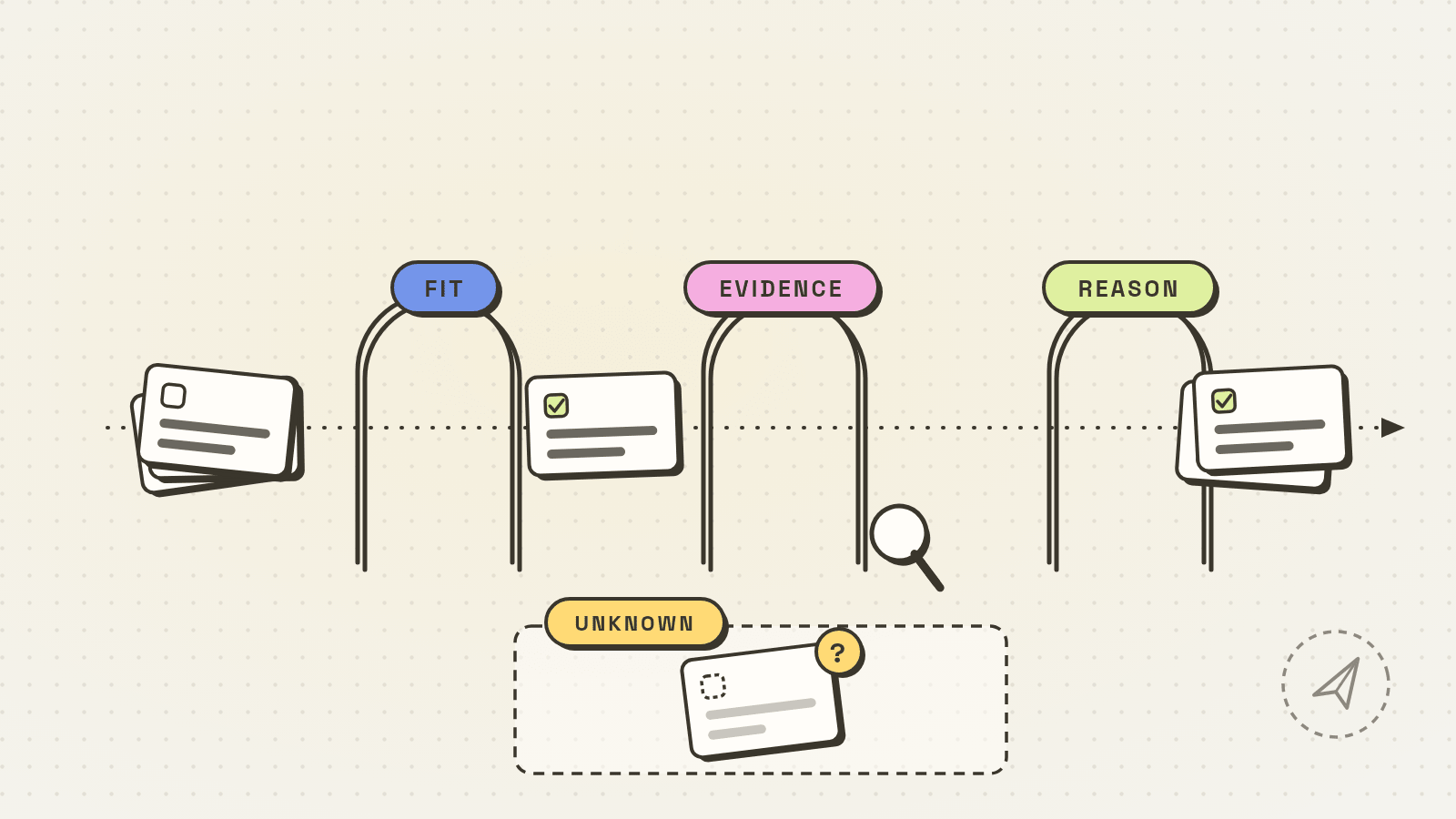
Start with an ICP you can disprove
An ideal customer profile is useful only if it helps you reject prospects. Give the model your real customer examples or a clearly labeled hypothesis. Don’t ask it to infer a market from the sound of your product name.
I sell [product] to [buyer]. My evidence so far: [2-3 real customers or interviews, what problem each named, and what they paid or declined]. If I have no customers, treat every criterion as a hypothesis. Draft a narrow ICP with: buyer role, company situation, trigger event, exclusion criteria, and one question that would falsify the fit. Separate observed facts from guesses. Don't invent a company or customer.Keep the exclusions. “Everyone in SaaS” isn’t a list; “support leaders at small B2B SaaS teams with a recently launched self-serve trial” can be tested. You may still find that no one in that group wants the product. That’s why the falsifying question matters.
Bring the prospect facts yourself
LinkedIn’s People search guide describes filters for company, location, industry, connection degree and more; some filters require Premium. Results are approximate. Open a candidate profile and a public company source yourself. Write down a few facts with links and dates. Don’t ask a model to scrape LinkedIn or to fill missing fields from memory: LinkedIn prohibits third-party software that scrapes or automates activity on its site.
Paste only information you are allowed to share with the model. Private customer records, unpublished plans and someone’s personal contact details do not become fair game because they might improve a cold message. Redact what the model does not need.
Prompt 2: qualify one person against the ICP
Here is my ICP: [paste the reviewed ICP]. Here are facts I checked about one prospect, each with its source and date: [role, company, public event, links]. Make a two-column assessment: evidence for fit and evidence against fit. Mark any missing fact as unknown. Do not search for, invent, or infer private details. End with one of: worth a conversation, not a fit, or more research needed. Explain what fact would change the decision.A score like 83/100 gives false precision unless you’ve defined and tested the weights. The decision label is enough to keep the list moving. If the role is unclear, “more research needed” is a better outcome than a personalized note built around the wrong job.
Prompt 3: find a reason to write now
A company announcement is not automatically the recipient’s problem. Ask the model to connect your offer to a source, then separate the connection from your guess about what it means.
My offer: [one sentence]. Prospect facts with source links and dates: [paste only verified public facts]. Name up to two possible reasons to contact this person now. For each, quote the exact fact it depends on, explain why it might matter to this buyer, and give one question I could ask to test the hypothesis. Do not claim a pain point, budget, hiring plan, or personal connection without evidence. If the facts don't support a timely reason, say "no reason yet".The “no reason yet” result is useful. It keeps a founder from mistaking a generic congratulation for a trigger. Review the public source yourself before you use any suggested angle; a model can misunderstand a launch date or confuse a parent company with a subsidiary. OpenAI’s terms explicitly warn that output may not accurately reflect real people, places or facts and must be evaluated before use. The same practical check belongs in a Claude workflow too.
The buyer-situation worksheet makes that decision explicit: match your offer to a current job, record the missing evidence, and choose which messages not to write.
One worked example
Suppose a fictional founder sells a tool for routing support tickets. The founder’s tentative ICP is the support lead at a small B2B SaaS company after a self-serve trial launch. They supply two public facts, not an entire scraped profile: a company announcement dated September 10 says the trial launched, and the prospect’s public profile says she leads support operations. They have no evidence that tickets are being misrouted.
The qualification output should look like this:
For fit: support-operations role; public trial launch on September 10.
Against or unknown: team size and current ticket-routing process are unconfirmed.
Decision: worth one exploratory question, not a claim that the handoff is broken.
Possible reason: the new trial may change who receives first support tickets. Verify the launch page before writing.
Question to test: who owns a trial user's first support ticket before an account owner is assigned?
Now the founder checks the source again and decides whether that question is worth asking. This article stops there. The next step is a human-written or carefully edited note, not an automatic send. If the company announcement was about a planned trial rather than a launch, change the reason or drop the prospect.
Keep the list honest
Save a small row for each person: source URL, date checked, buyer role, observed trigger, hypothesis, missing fact, and next decision. Don’t promote “hypothesis” to “fact” when you transfer the row into a campaign. The first-ten-customer playbook covers what to track after you decide to contact someone.
Dollar Outreach can queue your chosen prospects and prefill a sequence in a sidebar on your LinkedIn tab. You still verify the reason, read the note and click every send. It does not turn ChatGPT or Claude into a LinkedIn scraping channel, and manual approval does not make third-party software automatically permitted under LinkedIn’s rules. Keep the research and the send decision separate.
Checked September 27, 2026: LinkedIn People search and prohibited-software help, and OpenAI’s terms (linked above). Prompts and example are original; the company and prospect are fictional. No response-rate result or Claude-specific product feature is claimed.


