How to use OpenAI Dots for business work and LinkedIn outreach
What early Dots tests show for websites, content and everyday business work, plus what remains unproven for LinkedIn outreach and customer acquisition.
Can OpenAI Dots help you find customers, handle LinkedIn outreach or run parts of your business? The early tests are more useful than the promise of an assistant that can do “nearly anything”: they show concrete work finished and places where the owner had to take over.
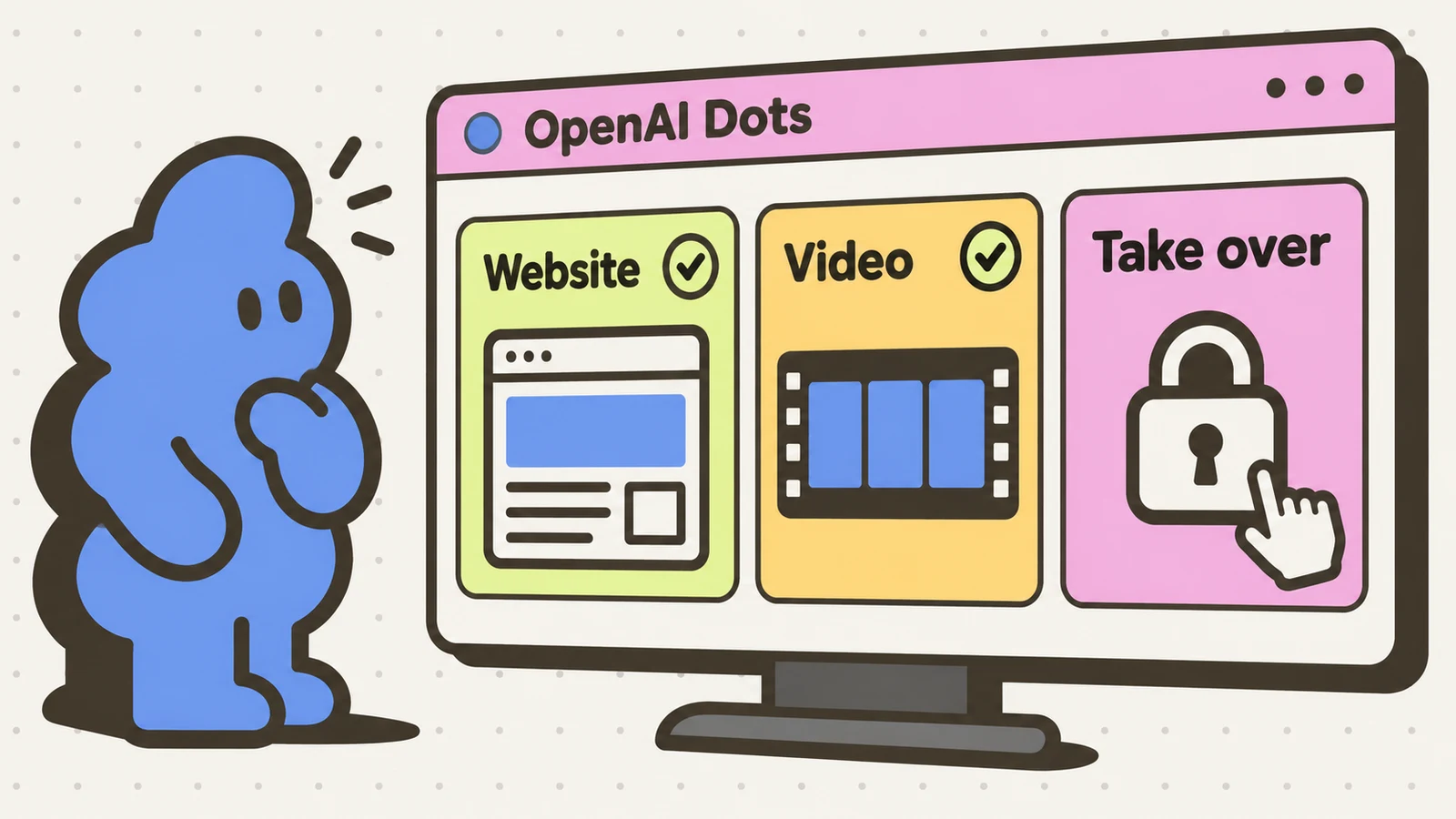
Two independent reviewers got website changes, video assembly and everyday work out of Dots. That gives a founder some practical jobs to try. Neither review establishes a LinkedIn sending workflow or an autonomous business. These are The Verge’s and MacStories’ tests, not our own Dots trial.
What launched, and what hasn’t
OpenAI announced dots on September 29, 2026. An individual assistant is a dot: a persistent agent powered by GPT-6 Astra, with its own cloud computer, connected-app access and context that carries between tasks. You can inspect its computer and, separately, choose to connect your own machine.
The launch began rolling out to Pro and Business Premium users in eligible markets. Enterprise workspaces, including Edu and Healthcare, can try the beta when an admin enables it. OpenAI says your first dot is included with Pro or Business Premium, with an allowance for deeper work. Codex and ChatGPT Work tasks still count toward those products’ usage limits. This is not unlimited work just because the conversation itself does not count toward ChatGPT usage limits.
You start with one primary dot. Specialist dots with dedicated organizational responsibilities are focused enterprise pilots, not a team of assistants every subscriber can create today. ChatGPT, Slack and Teams are supported channels; texting is listed as coming soon. Don’t buy into the launch expecting SMS access already to be there.
The topic is getting attention beyond the announcement: TechCrunch and Axios covered the launch, The Verge published a competition analysis on October 1, and two publications followed with hands-on accounts on October 2. That is a developing news story with actual use behind it, not a search-volume or popularity ranking.
Use Dots for a website or content task you can review
Allison Johnson’s Verge test ranged from personal errands to work on her own website. John Voorhees’ MacStories first look focused on the persistent assistant he named Puck and how it fitted into his existing work. Neither is a controlled benchmark, and neither establishes a general completion rate.
| Reviewer’s task | Reported outcome | Human work or limit |
|---|---|---|
| Johnson: redesign her personal website | Produced a new design and revisions after a roughly ten-minute conversation and later edits. | She supplied direction and reviewed several iterations; she called it better, not perfect. |
| Johnson: deploy the website changes | Re-created the prototype in the website backend and completed the update. | This worked after she granted access to her own computer and substantial permissions. |
| Johnson: assemble desktop video clips for social media | Returned a consolidated, appropriately sized clip that she preferred to her earlier attempt. | Required local-computer access; she reviewed the finished clip. |
| Johnson: arrange an internet-provider installation | Found a promotional discount and reached checkout after help. | A press-and-hold check needed takeover. She chose to finish herself rather than enter bank details into the remote browser. |
| Johnson: find a free coworking visit | Missed the free option and proposed a paid day pass. | The requested outcome was not met. A plausible alternative was still the wrong offer. |
| Johnson: retrieve an IKEA purchase detail | Could not complete the login because of a looping security check. | No completed retrieval was reported. |
| Voorhees: email checks, tasks and light research | Reported using Puck increasingly for small everyday jobs. | This is his first-look account, without a task-by-task success count. |
| Voorhees: coordinate larger Codex projects | Found moving larger work into Codex threads useful for reducing traffic in the main dot conversation. | He still organized project work and chose what to move out. One dot’s long conversation was hard to navigate; search did not work in that thread in his test. |
| Voorhees: work across several Macs | Could use a permitted Mac alongside the dot’s own computer. | He could connect only one Mac at a time and had to authorize the target Mac from that machine, making remote switching awkward. |
The strongest founder-relevant result here is the website-and-video work: concrete assets, revisions and deployment, on material the reviewer controlled. The coworking miss is equally instructive. A paid pass is not a substitute for a requested free trial merely because it is bookable.
Johnson also reported website blocks during food ordering, though the dot eventually ordered through Uber Eats after help with login. That is completion with intervention, not evidence that browser blocks are solved generally.
Can you run a business on Dots? Start with defined jobs
Voorhees valued having one conversation synced across devices, with ongoing preferences and work context, rather than repeatedly pointing a fresh thread at yesterday’s work. That can matter to a founder juggling a launch, an update and administrative tasks.
He also described the cost of that same design: interleaved topics in one long conversation and awkward retrieval. His workaround was to move substantial projects into Codex threads and let the dot coordinate them. Treat that as a workflow from one early user, not a promise that your projects will stay organized automatically.
A sensible first trial is one unfinished task with a visible output: revise a page you own, assemble supplied assets, or prepare a research document from sources you can check. Decide what completion means before you hand it off. “New homepage draft for review” and “deploy the homepage” are different jobs with different permissions.
Access is part of the decision
OpenAI’s privacy, security and safety FAQ says plugin permissions are shared across dots, ChatGPT, ChatGPT Work and Codex. Review existing connections as well as new ones. Connecting your own computer is a separate choice; the success of Johnson’s local-file tasks is not a reason to grant every assistant every file.
OpenAI distinguishes read-only proactive research from assigned tasks. Background research can look through permitted sources, but its tools cannot directly send messages, change app content or control a browser or computer. Tasks you authorize can act under their usual rules and safety checks. It would be inaccurate to say every action always waits for approval, or that background work can never change anything.
Custom Rules can allow, require approval for, or block supported actions, but cannot remove built-in requirements. OpenAI says particularly sensitive actions such as password changes or money transfers require you to take over. Approval for one message does not create ongoing permission to contact people. Define the recipient, content and timing when authorizing communication.
Context retention also deserves a look. Disconnecting an app stops new access but does not delete what the dot has already incorporated. The FAQ says you currently cannot view or directly edit individual dot memories; deleting the dot deletes its own context, while files, conversations and ChatGPT memories are managed separately. Training defaults differ between personal and business products. Read the controls for your plan rather than assuming “private” means the same thing everywhere.
LinkedIn outreach and customer acquisition: preparation is not sending
Start by separating preparation from contacting someone. A sourced customer-market brief, a draft landing page or a supplied-content edit is a bounded job you can review before it reaches a prospect. The website and everyday-research accounts give you reasons to try those kinds of tasks. They do not demonstrate that Dots can find suitable LinkedIn prospects, verify their details or send them messages reliably.
For a preparation task, give it a narrow audience, sources it may use, the output you want and a clear stopping point. For example: use your supplied customer notes to draft a one-page description of whom you serve and what problem you solve, without inventing customer quotes or performance claims. That is a suggested trial, not a task we or these reviewers tested. Check the facts before using the result in outreach.
None of these sources establishes a supported LinkedIn DM automation workflow. A dot producing a website, reading connected email or coordinating Codex does not prove it can run a LinkedIn campaign within LinkedIn’s rules. It also does not prove every LinkedIn task is impossible. The sending capability and platform-policy fit remain unverified here. Our Muse outreach review makes the same distinction between general assistance and a supported sending workflow.
If your immediate customer-acquisition job is reviewing a small LinkedIn outreach queue, Dollar Outreach queues steps and prefills drafts in your LinkedIn sidebar; you review them and click send. It does not source your leads or write the offer with AI. That is a narrower, explicit job than asking a general assistant to run the whole business.
Checked October 3, 2026: OpenAI’s announcement and safety FAQ, the two independent hands-on accounts, and the launch/follow-on coverage linked above. We have not tested Dots ourselves. Outcomes are attributed to the reviewers, availability is a rollout, and capabilities and controls may change.


