Can Meta Muse do LinkedIn outreach? What the public docs actually show
Muse can help research and draft, but that is different from a supported LinkedIn outreach workflow. A look at public features, connectors and LinkedIn's rules, checked September 27, 2026.
Muse can help you think through a LinkedIn outreach campaign. That does not mean it has a documented LinkedIn connection for finding prospects and sending them messages.
The distinction matters because Muse is a general-purpose agent, not just a text box. Meta says it can use a browser, connect to services and carry out tasks. In September, a beta added calls to US businesses. A phone call to a business is not a LinkedIn invitation, though, and a general browser is not permission to automate another site’s workflow.
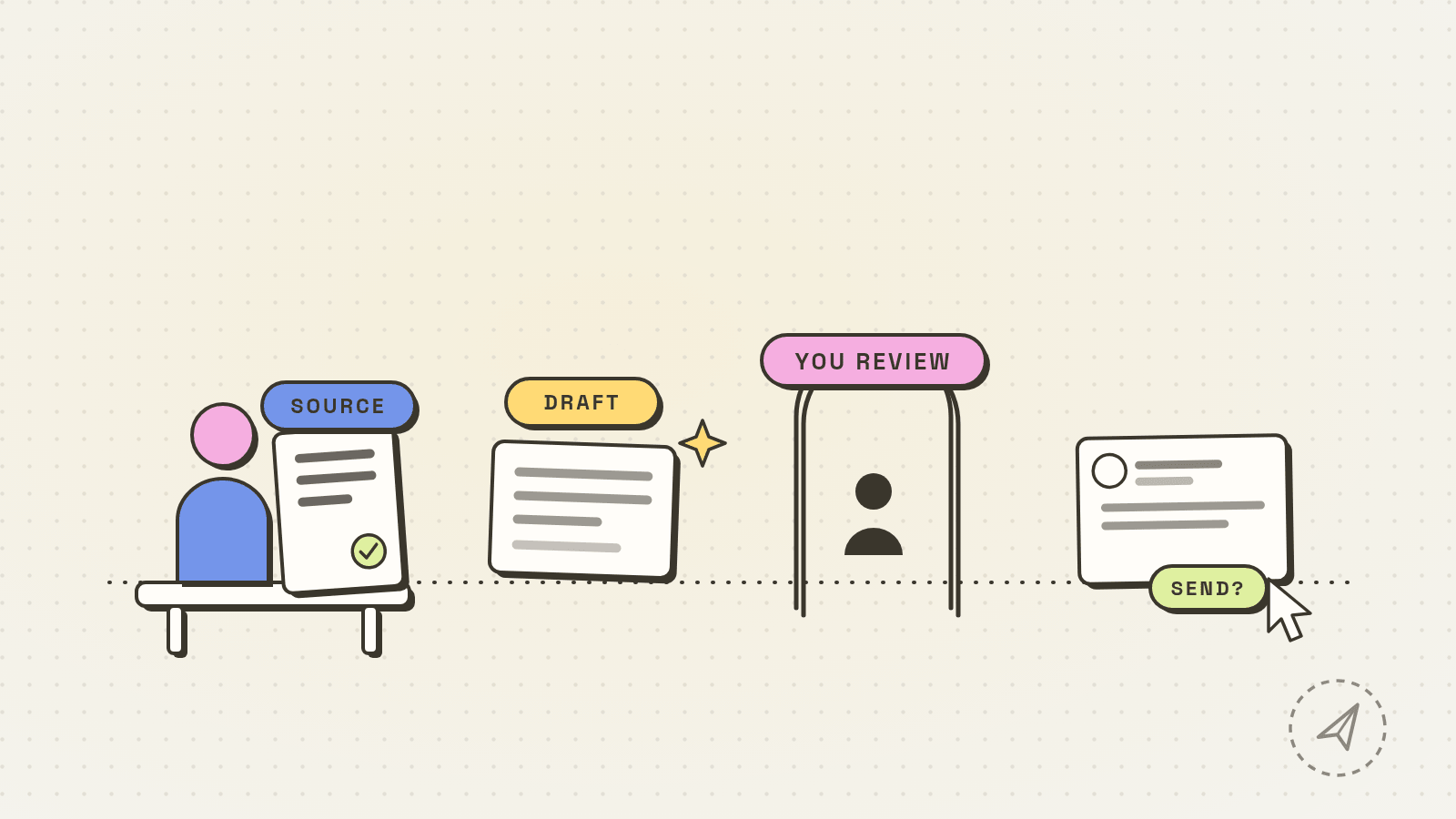
What Muse can help with before a send
Meta’s skills help describes research, document drafting and web browsing. For outreach, those are useful upstream: define the buyer, compare a company’s public announcement with your offer, or critique a message you wrote. Give it facts you can verify, not a request to invent a prospect’s problems. Keep private customer information out unless you have a reason and permission to share it with the service.
One bounded task would be to give Muse a company announcement you are allowed to use and ask it to separate verified facts from possible reasons to contact a buyer. Then open the source yourself. Our prospecting prompts show what that fact-versus-hypothesis check looks like. This is research and drafting help, not proof that Muse can access a LinkedIn account or send from one.
For a different evidence base, our OpenAI Dots guide examines two independent reviewers’ business-work tests and keeps those results separate from unverified LinkedIn sending.
Does Muse connect to LinkedIn?
Meta’s connector guide explains how to check available connections inside Muse: Settings, then Connectors. It names Facebook, Instagram and Threads among Meta connections and says users can build custom connectors for other services. The public Meta pages checked for this article do not document a native LinkedIn connector or a supported LinkedIn prospect-messaging flow. That is a limit of the public documentation, not proof that no connector exists in any account or will ever exist.
A third-party connector directory lists a community-built LinkedIn text-post publisher. Its claim is not a Meta endorsement; publishing a post is also different from searching for prospects, sending invitations or messaging people. A custom connector’s existence would not settle whether its particular LinkedIn actions are permitted. Meta says it does not review custom connectors, and asks users to review their access and the provider’s privacy policy.
Muse also has a shared browser that can fill forms and perform tasks. Meta describes controls to watch, take over or stop it, and says certain actions can require approval. Do not turn that general browser ability into the claim “Muse automates LinkedIn outreach.” The public browser guide does not say LinkedIn has approved such use. Computer work on Mac was announced at Meta Connect, but an announced way to operate apps is not a LinkedIn integration either.
What about LinkedIn account risk?
LinkedIn’s prohibited-software page says it does not permit third-party software that scrapes, changes its site’s appearance or automates activity there. It specifically names unauthorized automated access, contact downloads and messaging; it warns of account restriction or shutdown. That rule applies to the behavior, not the brand name on the tool. Asking a browser agent to gather profiles or send messages automatically is not made permissible by calling it an assistant. Nor does an approval click erase other prohibited behavior. The exact setup matters, and this is not a blanket compliance verdict on Muse.
If the problem is writing a better first note, start with the recipient and one checked fact. The connection-note prompts cover wording after the research is done. If the problem is your account’s standing, read LinkedIn automation warning signs before trying another tool.
A human-reviewed outreach copilot is the narrower fit when you want help preparing the list and words while keeping the choice of whom to contact and what to send with a person. Dollar Outreach keeps a manual click on every send in its sidebar on your LinkedIn tab and can queue a sequence, but that design is not a claim of LinkedIn approval or protection from restrictions. Check the tool’s actual behavior against LinkedIn’s published rules before using it.
Checked September 27, 2026: Meta’s Muse launch, skills, connectors and browser help pages; September 17 and 23 reporting linked above; LinkedIn’s prohibited-software page. Connector availability and announced features can change.


