LinkedIn account restricted: how to appeal and get it back
LinkedIn account restricted? How to appeal, verify your identity with Persona, and what recovery timelines actually look like - from two days to over a year.
An account restriction can be temporary, indefinite or permanent. Some users report recovering access after an appeal and identity verification. The path is boring on purpose: work out which restriction you have, appeal through the right form, verify your identity, then remove whatever caused it. Here is that path, checked against LinkedIn’s help pages and public recovery reports on October 21, 2026.
The moment usually looks the same. You log in and hit a verification loop or a frozen page. Your profile seems gone from search. The notice, when there is one, is vague. What happens next depends on which restriction you actually have - and the first instinct, firing off appeals before working that out, is the wrong one.
First, work out which restriction you have
Check the restriction notice and the email that came with it. There are three shapes:
- Temporary, with an end date. The notice names the date the restriction lifts. Public reports are consistent on this one: it does not lift early, and appeals do not move the date. Wait it out and use the time to remove the cause.
- Indefinite. No date given. This is the appeal case, and the rest of this piece is about it.
- Permanent. LinkedIn’s help page on permanent restrictions says the account and all its features are locked, and the profile disappears from search and messages (checked October 21, 2026). LinkedIn reserves this for egregious or repeated violations. If you believe it was an error, one well-built appeal is still worth filing.
LinkedIn’s own account-restrictions page (checked October 21, 2026) groups the causes: content and profile violations, identity violations (a profile that does not reflect a real person), a compromised account, and automated-tools violations. The cause matters because it decides what your appeal needs to say. If what you are seeing is only an invitation block - you can still message existing connections - that is the mildest shape and has its own mechanics: LinkedIn’s weekly invitation limit. The earlier warning signs before any of this are their own read: LinkedIn automation warning signs.
What not to do
Three moves turn a recoverable restriction into a lost account.
Do not open a new account. LinkedIn’s User Agreement allows one account per person, and creating additional accounts is itself a violation of the User Agreement. In public recovery reports, people who opened a replacement account while restricted describe the replacement getting restricted too - and now the appeal is about two violations instead of one.
Do not try to route around the restriction. No VPN tricks, no anti-fingerprinting browsers, no borrowing a colleague’s login. We do not provide circumvention advice, and neither should anyone you hire.
Do not pay an unban service, and do not shotgun appeals. In the public reports linked below, none of the recoveries came through a paid service. And one complete, honest appeal with identity verification attached beats five angry form submissions that add no new information.
The appeal path that works
1. Start where LinkedIn tells you to start. Log in and follow the on-screen prompts. That is LinkedIn’s own instruction for restricted accounts, and for content violations there is a built-in flow to ask LinkedIn to revisit the decision (checked October 21, 2026).
2. If you cannot log in or the standard form stalls, the appeal form still works. Public reports describe the standard support form stalling when it is tied to the restricted account’s email. The restriction appeal form at linkedin.com/help/linkedin/ask/ts-f-appeal opens without signing in - we confirmed this in a logged-out browser session on October 21, 2026. It loads as a “Contact LinkedIn support” page headed “Account Verification Questions”: it asks whether the name on your profile matches your photo ID, whether you have been traveling, and whether you have accessed the account through a VPN or proxy, and it ends with a free-text box asking why the restriction should be relooked at and a signature box. The form’s own disclaimer says submitted ID photos are processed to validate your identity and are generally deleted within 14 days. If you write from a different email than the account’s, say so in the first line and give the account’s email and profile URL.
3. Verify your identity through Persona. LinkedIn’s identity-verification page (updated within the last month, checked October 21, 2026) describes the flow: Persona, LinkedIn’s verification provider, asks for a clear photo of a valid, unexpired government ID - passport, driver’s license or national ID card - and sometimes a selfie to match your face to the ID portrait. From a desktop you scan a QR code and finish on your phone, so have a smartphone ready. LinkedIn says it receives the verification result, your name, year of birth, city and country, ID type and a redacted copy showing only your name and portrait - not biometric data or the ID’s numbers - and that the data is generally deleted within 14 days, though it says it may retain non-identifying data for fraud prevention. If you are in Canada, the EU or the UK, there is an alternative: a notarized Affidavit of Identity attached to your support case. One practical detail from public reports: upload the ID through Persona rather than emailing it - emailed ID goes to agents who cannot process it.
How to write the appeal
Short, factual, complete. Three things belong in it: what the account is for, what happened, and what you changed. If you ran an automation tool, say so and say it is disconnected. The appeal advice that recurs in public reports is to make exactly that admission: acknowledge the automation use, commit to the terms, and accounts sometimes get reinstated on that basis. The appeal is not the place to argue about whether the tool should count as automation.
Hello LinkedIn support,

My account ([profile URL], registered email [account email]) was
restricted on [date]. I use LinkedIn to [one line: your real business
activity, e.g. "find early customers for my scheduling software"].

[If you used an automation tool:] I had connected [tool name], which
automates [what it did - profile visits, connection requests]. I have
disconnected it and will not use it again. I understand this violated
your terms.

[If you do not know the cause:] I do not know what triggered the
restriction. The only unusual activity I can think of is [new device /
VPN / travel / a burst of invitations - whatever honestly applies].

I have completed identity verification. Please let me know if you need
anything else to restore the account.

Thank you,
[name]
Keep a log from the first message: case numbers, dates, agent names, what each reply said. In one public report, a user was told the block was lifted and then asked for identity verification hours later by a different agent - support agents do not always see each other’s notes, and your log is the only continuous record.
What recovery actually looks like
No one can promise you a timeline, and anyone who does is guessing. What public reports give us is a range:
- Fastest: about two days. In one public report, an automation flag ended with identity verification and full restoration in roughly 48 hours, connections and messages intact.
- Common: one to three weeks. The band that recurs across the reports we read: one automation user reports two weeks to restore, and appeal advice in the same thread gives one to three weeks as the usual range - including for users who admitted automation use in the appeal.
- Hard cases: months. The month-scale recoveries in these reports come from a multiple-account violation thread: one user describes restoration after roughly seven months of persistent appeals, another after a year. Some accounts in this band never come back.
Two more things to expect. First, ambiguous replies: some users get repeated responses saying the restriction will remain in place, with no indication whether that means permanent or simply not yet. That wording does not establish whether further review is available - follow the notice you received and the official appeal options above rather than reading a verdict into it. Second, a quiet tail after restoration: in one report, support told the user connections and follower counts can take up to 48 hours to fully return. And expect no explanation at the end - cases close without a stated reason, and the restoration itself is the only signal you get.
After you are back
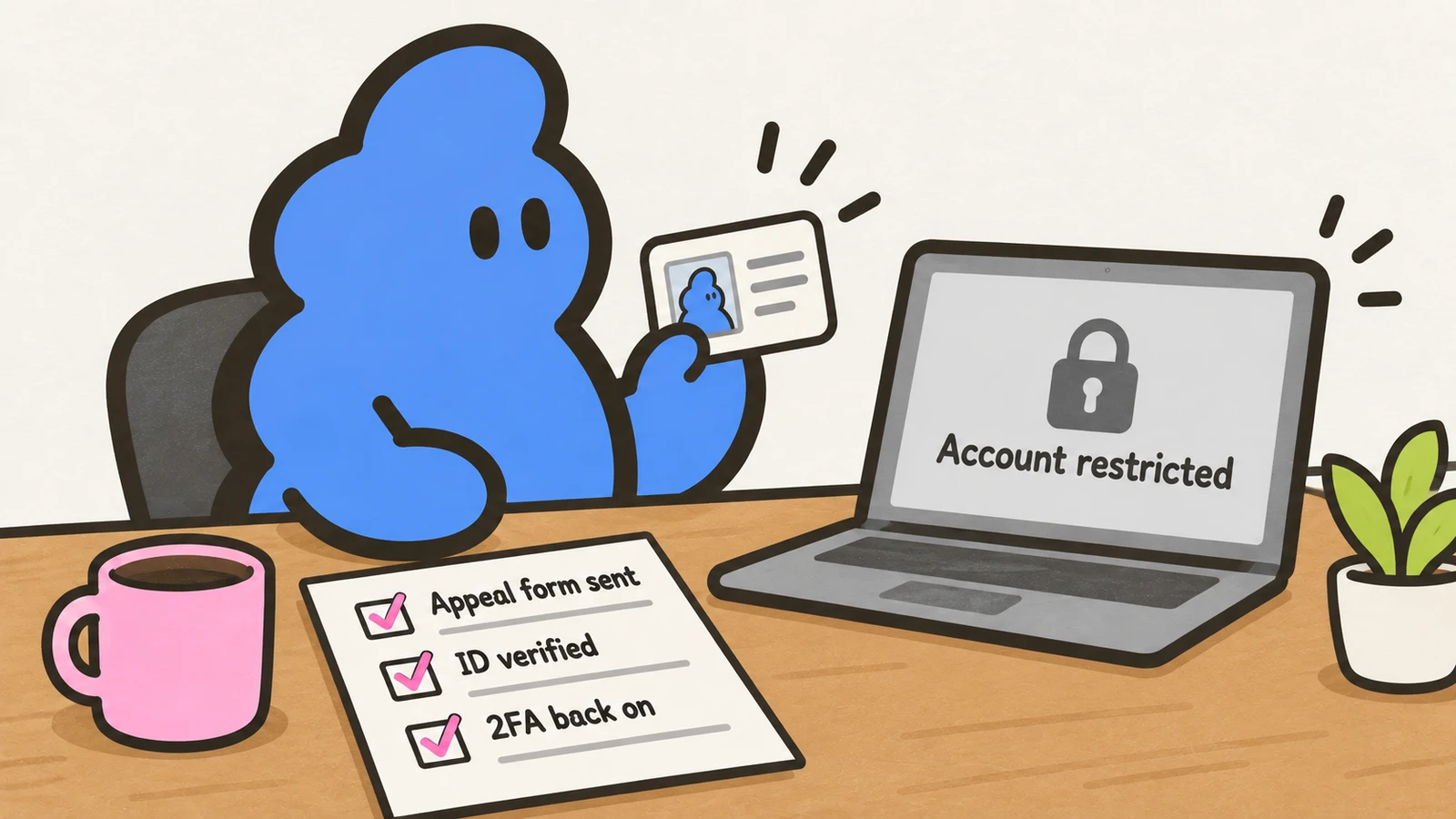
The checklist from public reports and LinkedIn’s own advice:
- Turn two-step verification back on, and secure the email account the LinkedIn login depends on - if that inbox falls over, so does your recovery route.
- Keep the account’s email address current; the standard support form routes through it.
- Remove the cause. If a cloud automation tool triggered the restriction, the answer is not a stealthier tool. One public report describes a restriction landing within minutes of starting a browser-automation driver - that user’s read is that LinkedIn fingerprints the driver itself, not just activity volume. That is a single account and unverified, but it matches how fast these flags land. And no vendor preset eliminates the risk: public reports include a restriction at 20 connection requests a day on a major cloud tool’s conservative settings, a volume its marketing called safe. We compared what those tools cost and what they actually do in the cheapest LinkedIn automation tools.
This is the reason Dollar Outreach is built the way it is: you paste the prospect’s profile URLs, you read the draft, and you click every send yourself. The daily caps are product design, not a compliance claim - no tool, ours included, can promise an account will never be restricted. What the design does guarantee is that nothing acts in your name while you are offline. What stopping early looks like from the inside: ban survival stories.
Limits
- LinkedIn’s help pages and the appeal form were checked on October 21, 2026 - the form in a logged-out browser session. Forms and flows change; if the on-screen steps differ from this page, the on-screen steps win.
- The timelines and support anecdotes come from public reports, absorbed here in our own words. They show what happened to specific accounts, not what will happen to yours.
- Public reports used: a user restricted twice with no warning who recovered both times (r/LinkedInTips, reddit.com/r/LinkedInTips/comments/1o9kllm/), a multiple-account violation where support replies gave no indication whether the restriction was permanent or reviewable (r/LinkedInTips, reddit.com/r/LinkedInTips/comments/1umxlmr/), a browser-automation restriction restored in about two days (r/linkedinautomation, reddit.com/r/linkedinautomation/comments/1sjpkik/), a restriction on a cloud tool’s conservative preset (r/linkedinautomation, reddit.com/r/linkedinautomation/comments/1n3kj6l/), and a temporary restriction with a fixed end date (r/LinkedInTips, reddit.com/r/LinkedInTips/comments/1kownul/).


