Should you add a note to this LinkedIn connection request?
Decide whether a LinkedIn invitation needs a note by checking what the recipient can already see. Three conflicting real accounts, their limits, and a manual review of four fictional situations.
A note earns its place when it explains something the recipient cannot already see. Maybe you attended the same small event but never spoke. Maybe a particular post gave you a reason to connect. That context can matter more than a polished introduction.
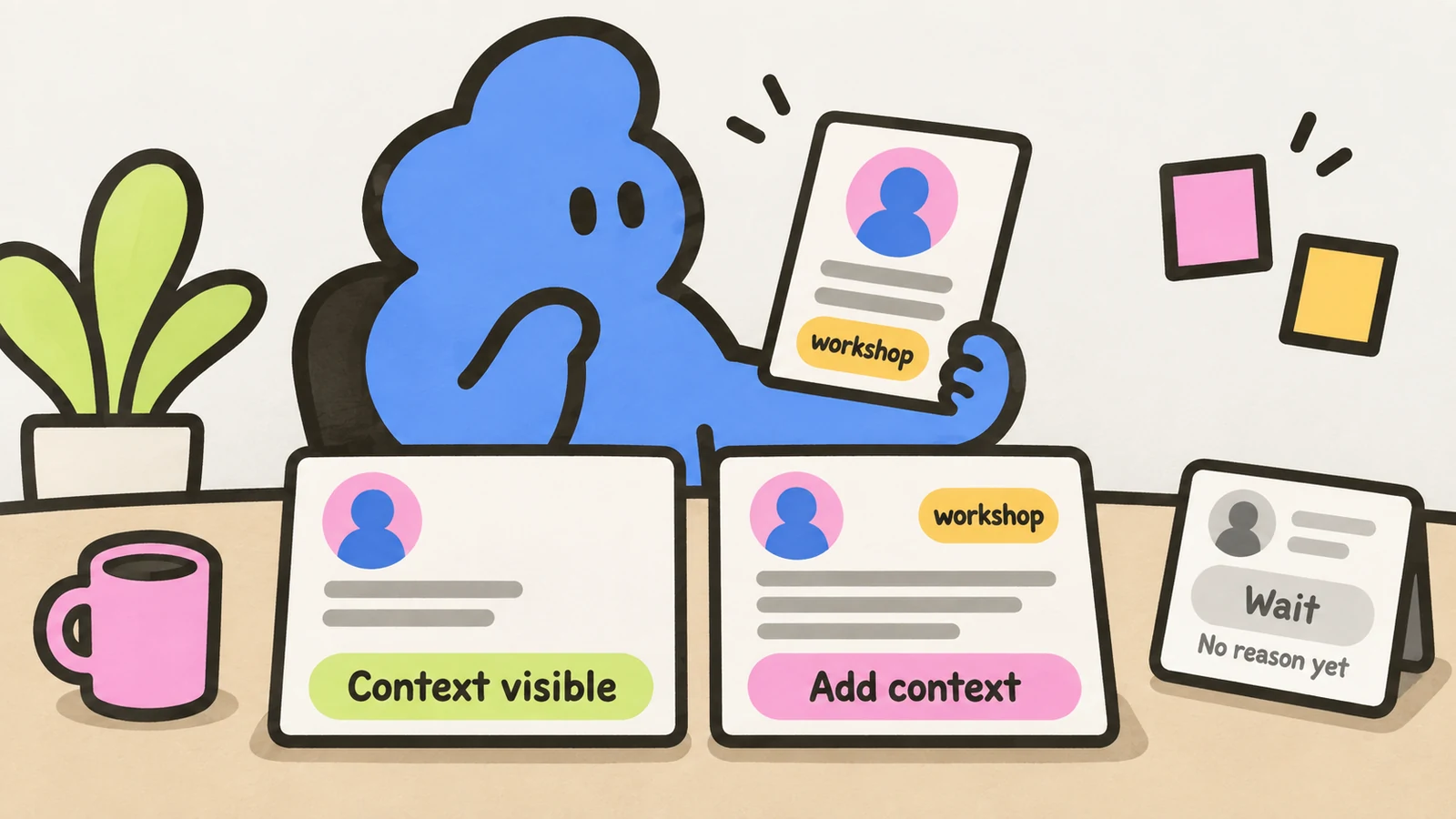
A blank invitation can be reasonable when the person already knows you, or your profile makes the professional overlap obvious. It is not a fix for having no reason to contact them. The choice is note, blank, or no invitation yet.
The accounts disagree, and the numbers don’t settle it
A May 2026 Reddit poster reported 50% acceptance with notes and 28% without. But the first group had 48 hours to respond; the second had only 24 hours and was still being counted. Batch sizes were missing. Those percentages cannot establish a note-versus-blank winner.
The most useful part of that thread was a recipient’s stated preference: with a blank invitation, they look at the profile and expect it to explain the connection. That is one person’s account, not a rule about every recipient. It does give you a practical question: what would this person learn from your profile alone?
An April poster described six formats over four months. Their reported acceptance rates were 31% for blank, 24% for a generic compliment, 44% for shared context, 38% for a specific profile detail, 29% for a value offer and 36% for a work-related question. They did not give per-format counts or an assignment method. The post does not establish whether the audiences or observation windows were comparable.
A commenter reported improving blank-invite acceptance while also posting useful content regularly and measuring over different periods. You cannot isolate the effect of leaving the note blank from the content, elapsed time or other changes.
A June account reported the opposite result: two simultaneous batches over five weeks, described as targeting the same kind of people, favored blanks in the high 50% range over notes in the low 40% range. Exact counts, the note wording and randomized assignment were not supplied. The poster still used notes for a real link such as an event or mutual connection.
These are unverified self-reports, not controlled studies. They suggest different contexts may call for different choices. They do not support a universal acceptance-rate promise, and acceptance is not a reply, demo or customer.
Read the actual notes before copying the conclusion
The April account included this shared-event example:
I saw you at the B2B sales webinar last week, wanted to connect with others who attended.That note supplies an explanation the profile might not contain. It only works honestly if the sender attended and can support the reference to the other person. Seeing a name on an attendee list is not meeting them. Don’t turn it into “great talking to you” unless you actually spoke.
Its generic-compliment example was:
I love your content on LinkedIn and wanted to connect.The sentence does not identify any content or say what connects the two people. Adding their name would not fill that gap. If you have a genuine reason, name it; if you don’t, a smoother compliment is no improvement.
The same post’s value-offer example was:
Put together a short guide on reducing LinkedIn outreach costs, happy to share if useful.This introduces an offer before establishing why that recipient would want it. It might fit a person who asked for help with that task. In the quoted account it was below blank invitations, but the missing counts and assignment details prevent us from blaming the offer itself. Review the context, not just the sentence.
A manual review of four fictional invitations
We reviewed these four situations for this article. We checked whether there was a professional reason, whether the profile already explained it, and whether a note would add a true missing fact. No invitations were sent, and these decisions have no measured acceptance results.
| Situation | Choice | What decides it |
|---|---|---|
| A former teammate would recognize your name, and your shared employer is visible on your profile. | Blank is reasonable. | A note is optional; there is no missing introduction to solve. |
| You attended the same small workshop but did not meet. Your profile does not show that event. | Add a note. | The event explains why you picked this person; don’t claim a conversation. |
| You want to connect after a specific post about a problem you also work on. Your job title alone does not explain that interest. | Add a note. | Name the actual point and your reason to stay in touch, rather than generic praise. |
| You found a matching job title but cannot say why this person belongs in your network. | No invitation yet. | Neither a blank request nor a note creates the missing reason. |
“Blank is reasonable” is narrower than “blank wins.” A former teammate may still appreciate a personal line. Likewise, shared context does not oblige someone to accept. The review helps you decide what to send, not predict the recipient’s behavior.
Spend the note on context, not a hidden meeting ask
LinkedIn’s connection guidance says connecting works best with a clear professional reason, such as shared work, study, an event or continuing a conversation. Its personalized-invitation guide describes notes as a way to explain who you are and why you are reaching out.
Check your account’s actual note allowance before planning around it. The current invitation guide says up to three personalized requests per month at 200 characters; another LinkedIn help page says five for Basic accounts at 200 characters, and 300 characters for Premium notes. What fits inside the 200, and what to cut first: the connection request character limit, explained. The official pages disagree on the free count. This article does not assume either allowance is what your account shows.
If you choose a note, the connection-request prompts article covers writing and checking it. Don’t squeeze a call request into the invitation just because the field has room. If they accept, use the accepted-connection guide to decide whether a first message has a reason to exist. Acceptance alone does not mean they want your offer.
Dollar Outreach can queue an outreach step and prefill your draft in the LinkedIn sidebar; you still review it and click send. A queued request still needs your judgment about the person and the context. The tool does not make a blank invitation relevant or a vague note personal.
Checked October 2, 2026: the three Reddit discussions and their visible comments, LinkedIn’s linked help pages, the two related articles and Dollar Outreach’s product page. The notes quoted above come from the April poster’s account. The four-case review is illustrative and manual, not a live-send experiment.


