Sales Navigator cost: what each plan buys and when it's worth it
Sales Navigator costs $119.99 a month for Core and $159.99 for Advanced, with Advanced Plus quote-only. What each plan actually buys, and when it is worth it.
The short answer: Core starts at $119.99 a month, Advanced at $159.99, and Advanced Plus is quote-only. The longer answer is what those numbers buy, because whether Sales Navigator is worth it depends entirely on which problem you actually have. The cheaper subscriptions raise the same question on a smaller budget: Is LinkedIn Premium worth it for outreach?. All prices and features below come from LinkedIn’s own pages, checked October 24, 2026.
Most people land on this question the same way: outreach is going slowly, someone mentions Sales Navigator, and the pricing page is the first thing that feels concrete. Before the number means anything, it helps to know what the number attaches to.
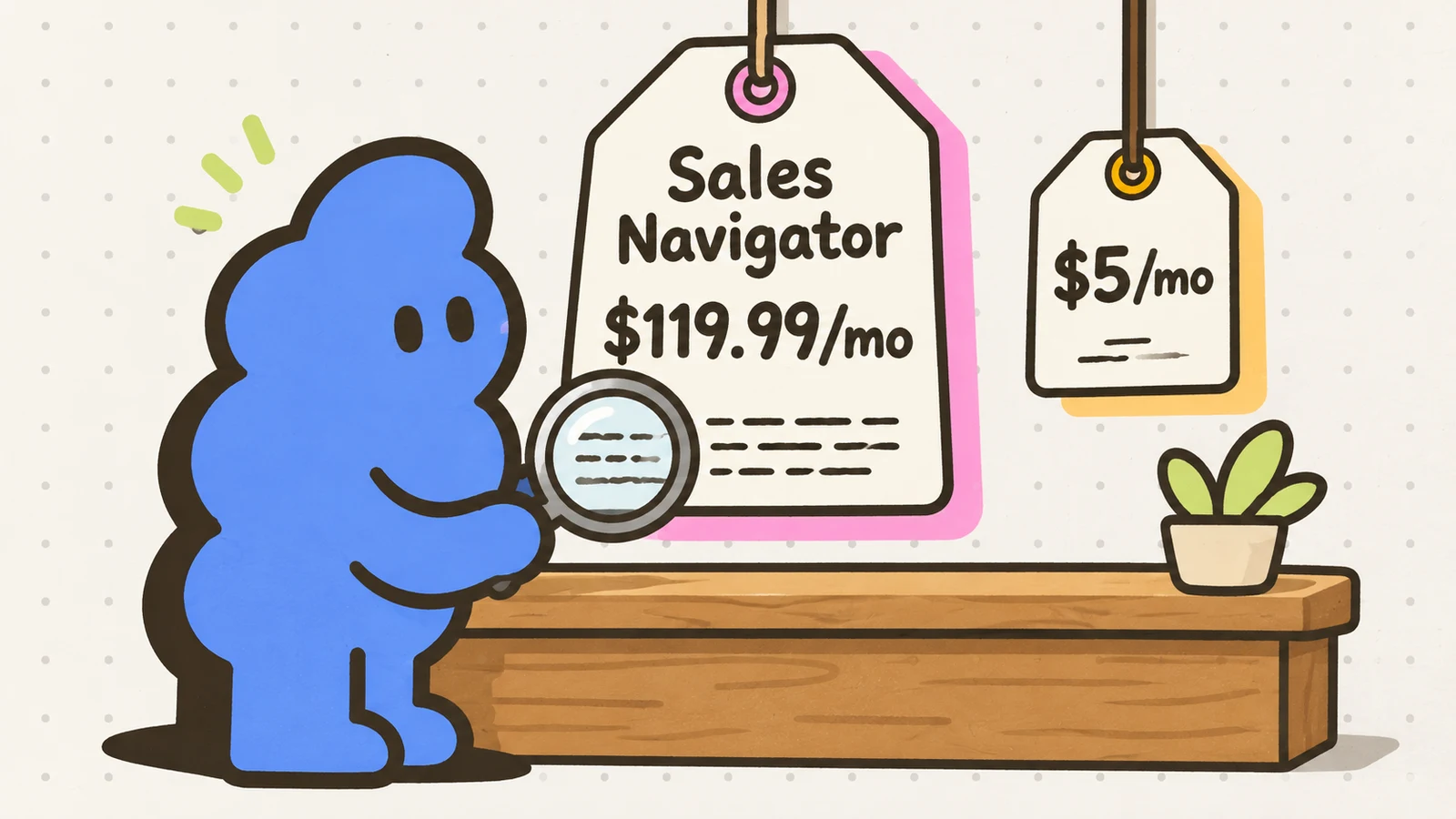
What Sales Navigator costs
Per LinkedIn’s compare-plans page, per license:
Core: $119.99 a month, or $1,079.88 a year ($89.99 a month effective on annual). The prospecting core: 50+ search filters, 50 InMail credits/month, 10,000 saved leads and accounts, custom lists, alerts, Relationship Map, Premium features included.
Advanced: $159.99 a month, or $1,799.88 a year ($149.99 a month effective on annual). The team layer: shared lists and searches, Buyer Intent, Smart Links, TeamLink, book-of-business CSV upload, usage reporting.
Advanced Plus: quote only. CRM sync (Salesforce, HubSpot, Microsoft Dynamics 365, Oracle Sales; embedded profiles in Freshworks), ROI reporting, admin controls.
Three things the headline numbers hide:
- These are “starting at” prices before VAT or GST. LinkedIn publishes localized pricing in EUR, GBP, AUD and CAD, and notes that prices vary slightly by device. The pricing page itself was last updated September 27, 2026.
- Annual Core saves 25% and annual Advanced about 6% - but read the cancellation terms before choosing annual. Cancellation takes effect at the end of the paid period, which on an annual plan means the year you already paid for. Statutory rights in the EU and some countries aside, there is no mid-year refund for a quiet quarter.
- A free trial exists for Core and Advanced if you are not on any paid LinkedIn subscription and have not used a LinkedIn trial in the past 365 days. A credit card is required, and LinkedIn emails a reminder 7 days before the trial converts (for desktop signups; mobile trials get Apple or Google notices instead).
What each plan actually buys
Core is the search product. The 50+ filters - function, seniority, company headcount and headcount growth, geography, whether someone posted recently - are the reason the subscription exists. Around them: 10,000 saved leads and accounts per user, custom lists, and alerts when saved accounts do something worth knowing about, like hiring or posting. The 50 monthly InMail credits are the same 50 on every tier, all the way up to Advanced Plus, so nobody should upgrade for InMail. What those credits actually buy: InMail response rates, what real senders report. Core also bundles LinkedIn Premium’s features.
Advanced is for teams, not for harder prospecting. Everything in Core, plus the collaboration layer: shared lists and searches, Buyer Intent signals, Smart Links for trackable content, TeamLink warm-intro paths, a CSV upload for your book of business, and usage reporting. It makes sense the day a second person starts selling to the same accounts you are. Before that day, it is $40 a month for features with nobody on the other end.
Advanced Plus is the CRM tier. Quote-only pricing, and the quote only makes sense if you run Salesforce, HubSpot, Microsoft Dynamics 365 or Oracle Sales and have someone to administer the sync: leads flowing both directions, activity logged back to the CRM, ROI reporting for admins. A founder with a spreadsheet should not be on a demo call for this tier.
The worth-it question, honestly
There is only one useful frame: which bottleneck do you have.
If you cannot name fifty specific people worth contacting this month, your bottleneck is finding. Core’s filters and lists are the best tool LinkedIn sells for that job, and $119.99 is a defensible month when you use it hard - build the lists, save the leads, set the alerts, then decide whether the next month earns itself.
If you can name them - a competitor’s followers, members of a community you live in, everyone who engaged with a post in your niche, the attendee list from last quarter’s conference - then finding is not your bottleneck. Free LinkedIn search locates those profiles, and the real bottleneck is saying something worth answering. No subscription fixes that one.
Keep the math honest either way. $119.99 a month works out to $2.40 per InMail credit if you burn all fifty, but InMail is the least interesting part of Core; you are paying for filters and lists. And the $1,079.88 annual plan is only a saving if you prospect hard for most of the year - two heavy months cost $240 on monthly billing and $1,080 on annual.
What Sales Navigator does not do
- It does not raise the weekly invitation limit. The same invitation ceiling applies to every account, paid or free: LinkedIn weekly invitation limit.
- It does not automate anything. Sales Navigator finds and organizes people; every invite and message is still yours to send. Pairing an expensive subscription with an automation bot is the classic expensive route to a restriction - the warning signs are here.
- InMail is not a connection message. Fifty credits a month, each one still a cold message to a stranger, held to the same bar as any cold note: a real reason, specific to the person, that earns a reply.
- It does not make outreach warm. Buyer Intent on Advanced can tell you someone looked at your company’s page. What you say next is still on you.
Where we fit, honestly
Dollar Outreach costs $5 a month and solves the other problem. It assumes you already know who to talk to: you paste the prospect’s profile URLs, it queues the next steps under fixed daily caps, and you read every draft and click every send yourself. If finding people at volume is the bottleneck, Sales Navigator Core is the honest tool for that job, and some founders run both for a stretch. If you can already list your next fifty conversations, start there instead - the playbook for that stage costs nothing: the first 10 customers on LinkedIn, a $5 playbook. And if what you are actually comparing is automation tools, that price table is here: the cheapest LinkedIn automation tool.
Limits
- Prices and features are from LinkedIn’s own pages: the compare-plans page (updated September 27, 2026) and the Sales Navigator account-types help page (updated within two weeks of our check), both checked October 24, 2026. Prices are “starting at”, before tax, and vary by currency and device; check the live page before subscribing.
- The worth-it judgment is ours. A team selling into enterprise accounts runs different math.


