Where your LinkedIn message goes before they accept
Where your LinkedIn message goes before they accept: invitations, message requests, InMail and the Focused/Other tab - and why silence tells you nothing.
You sent the note, the request, or the InMail, and now there is nothing. No reply, no read receipt, no signal at all. Before you read that silence as a no, it is worth knowing where the message actually landed - because LinkedIn routes each message type to a different place, notifies the recipient differently, and tells you, the sender, almost nothing either way. Every routing fact below is from LinkedIn’s own help pages, checked October 27, 2026; the receiver experiences are from people describing their own inboxes.
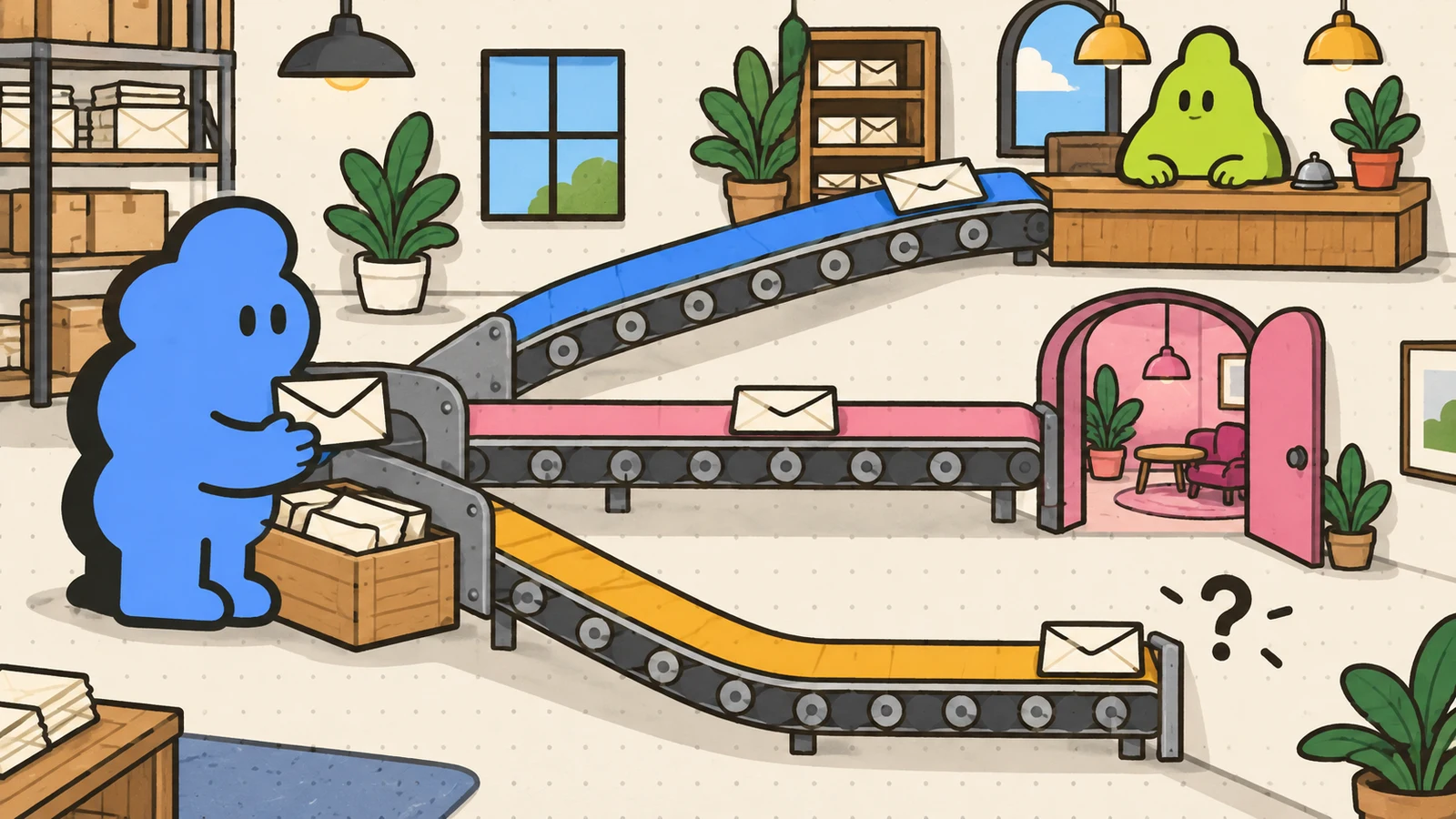
The four destinations
A message to a first-degree connection is the only route guaranteed the main inbox. It triggers the messaging badge, read receipts work both ways, and the conversation behaves like normal messaging. This is the inbox people actually check.
An invitation with a note does not go to the inbox at all. It lands in the recipient’s invitations, under the Notifications icon - the same place they check for likes and comments, which is why notes get seen at all. The recipient can read the full note and even reply to it without accepting the invitation. If they ignore you, you are not told; if they report “I don’t know this person,” future invitations from you are blocked and it feeds LinkedIn’s restriction decisions. Pending invitations also generate reminder emails; they keep going while the invitation is pending, and withdrawing is the sender’s only lever to stop them.
A message request - the free route for group members and coworkers - goes to a separate Message Requests area, not the main inbox. Event attendees used to be on this list; LinkedIn’s events help now says non-connected attendees can no longer message each other, and only organizers can message attendees. The recipient gets notified, can accept (moving the thread into the main inbox) or decline privately, and a decline is silent: you are never notified. Requests carry no attachments, and LinkedIn reserves the right to limit how many you can send.
An InMail is the one paid route into the main inbox of someone you are not connected to, but it arrives wearing a label. Recipients can switch InMail off in their settings, and as we covered in what real senders report on InMail response rates, buyers read it as advertising.
What you can see from the sender’s side: nothing
Here is the part that surprises people. LinkedIn’s delivery-indicators page states two facts plainly: read receipts and typing indicators never appear to the sender of an InMail, and on a message request they appear only after the recipient accepts. Until acceptance, your message request could be read ten times and you would see nothing. The silence on your screen is not evidence the message was ignored - it is evidence of nothing at all.
The one partial exception is the invitation: if the recipient replies to your note, the reply shows up even without an acceptance. Everything else is a black box with a waiting period.
Even delivered messages get filed away
Landing in the inbox is not the end of the journey. LinkedIn has been sorting inboxes into Focused and Other, and receivers keep discovering the second tab late: one retired user described finding months of recruiter messages, including interview scheduling notes they were never notified about, sitting unread in Other. Another user reported missing an event invitation the same way. The sorting is LinkedIn’s guess at what you want to see, and its guess files strangers’ messages where few people look.
That is the honest deliverability picture for cold outreach: even when your message is technically delivered, it may be sorted out of sight before a human ever decides about it. No copywriting fix repairs a folder.
What this means for how you send
- The invitation note is the highest-visibility free surface you have. It lands where people already look (Notifications), it can be read and answered without an accept, and it costs nothing. The 200-character budget and monthly note limits are the real constraints, and sometimes a blank request beats a weak note.
- Message requests are worth sending when the shared context is real - a group you are active in, an event you both attended - because that context is also the thing that makes a stranger accept. The full set of free routes is in how to message someone on LinkedIn without Premium.
- Do not read silence as a decision. You cannot see reads before acceptance, and declines are silent by design. The same discipline applies to the agents now offering to manage your inbox for you: what the first week of Claude Duet reviews found. The follow-up decision is a timing question, not a signal-reading question: our accepted-but-no-reply guide covers the version after they accept.
Dollar Outreach is built around the route with the best deliverability: you paste profile URLs, it queues the note, the invitation and the follow-ups under fixed daily caps, and you read and send every message yourself. The message goes where people actually look, because a person - you - puts it there.
Limits
- LinkedIn’s routing and notification rules come from its help pages, checked October 27, 2026; LinkedIn ships inbox changes gradually, so a given account may lag what the pages describe.
- The Focused/Other sorting is a receiver-side experience; LinkedIn does not document exactly what it files where, and receiver reports are anecdotal.
- Read-receipt rules per LinkedIn’s delivery-indicators page: none for InMail senders, post-acceptance only for message requests.


