How to message someone on LinkedIn without Premium
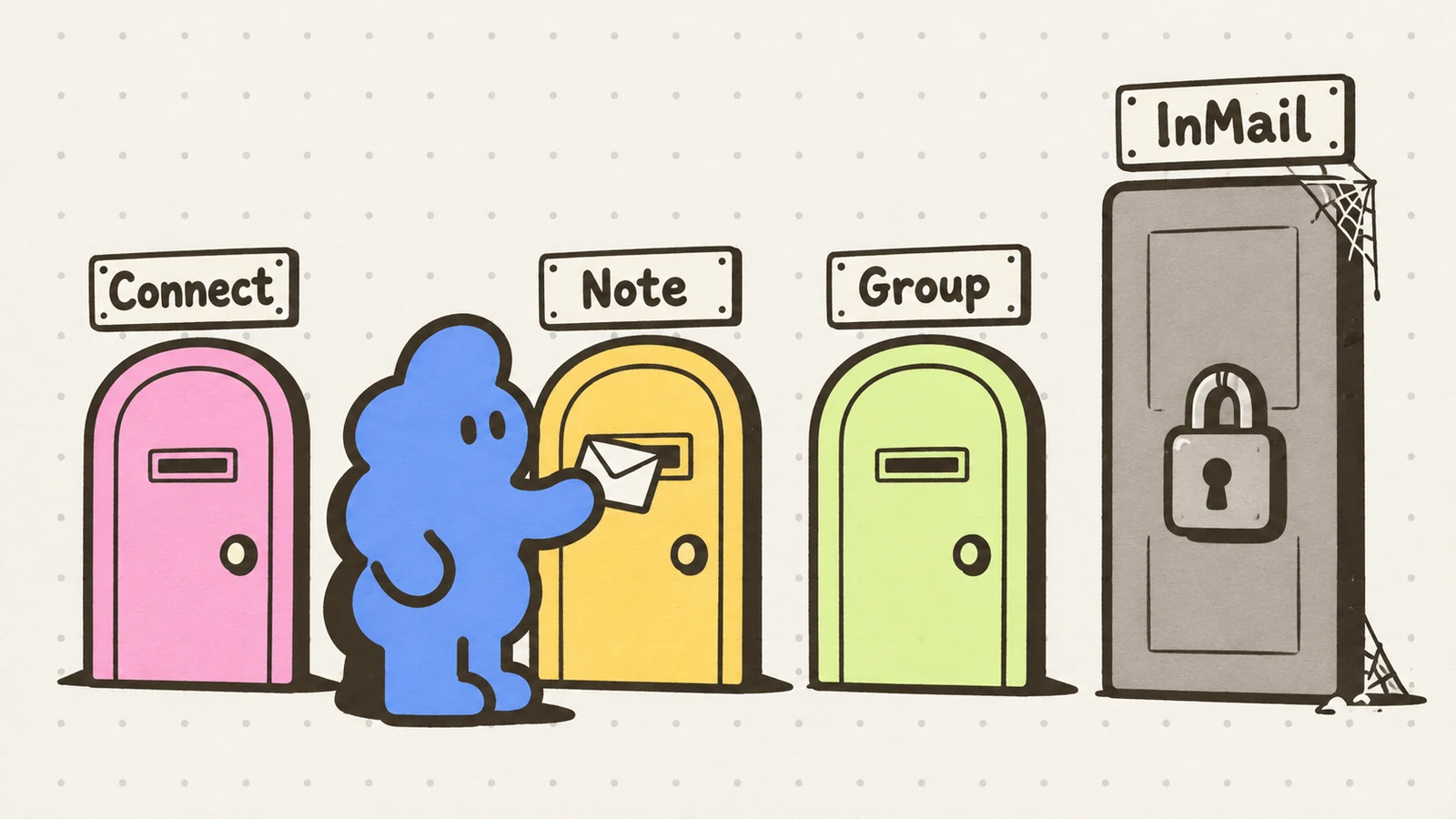
Four free ways to message someone on LinkedIn without Premium: connect first, the invitation note, Open Profile members, and fellow group members.
There are four free routes to get words in front of someone on LinkedIn, and the best one depends on whether you are connected, whether they are a Premium member with Open Profile switched on, and whether you share a group. All four are below, checked against LinkedIn’s help pages on October 26, 2026. The one thing none of them does is scale - which is the point, and which is why the paid workarounds exist. What the main paid workaround returns: InMail response rates, what real senders report.
The question usually arrives in a specific moment: you have found exactly the right person, you are not connected, and the Message button is either missing or nudging you toward a subscription. Here is what actually works before any money changes hands.
Route 1: connect first, then message for free
Messaging first-degree connections is free for every account - that part of LinkedIn’s messaging help page has been stable for years and still holds (checked October 26, 2026). So the practical question behind “message without Premium” is usually “how do I get connected to this person,” and the answer is the connection request itself.
That makes the invitation the message. Which is exactly what route 2 is about.
Route 2: the invitation note is the free message
When you send a connection request, LinkedIn lets you attach a note - and that note is the only free, guaranteed-delivery message you can send any stranger - no Premium and no shared group required. It lands in their invitations, and if they reply or accept, the conversation moves into messaging. The full map of where each message type lands - and what you can and cannot see from the sender’s side: where your LinkedIn message goes before they accept.
The catch is the budget: 200 characters per note, and a small monthly allotment on free accounts - three notes a month on LinkedIn’s newer help page, five on an older one that is still live. The numbers, the disagreement between LinkedIn’s own pages, and what fits in 200 characters: the connection request character limit, explained.
Spend notes on the requests where two sentences change the answer. When a note would just repeat your headline, a blank request is often the stronger move: note or blank, the tradeoff.
Route 3: Open Profile members are free to message
Some profiles can be messaged directly without a connection and without InMail. The feature is called Open Profile, and it belongs to the other person’s Premium subscription, not yours: a Premium member can switch it on, and then any LinkedIn member can message them for free from the Message button on their profile. LinkedIn throttles how many Open Profile messages you can send in a period, but there is no per-message charge (checked October 26, 2026).
You cannot enable Open Profile for yourself on a free account - it is a Premium setting. Whether the plan itself earns its price for outreach is a separate question, answered here: Is LinkedIn Premium worth it for outreach?. What you can do is look for it: if the person you want is a Premium member with Open Profile on, the Message button on their profile just works. Founders, investors and senior sellers switch it on precisely because they want inbound. Worth the ten-second check before you spend an invitation note.
Route 4: message fellow group members
LinkedIn’s messaging overview says free messaging covers first-degree connections and, within group pages, fellow group members (checked October 26, 2026). Shared-group messaging is the most underused free route: join the two or three groups where your buyers actually post, be visibly useful there for a week, and the Message option on a fellow member’s profile from inside the group is yours.
This route rewards patience twice - the group membership itself warms the message, because “we’re both in the RevOps Exchange group” is a real reason to write. Cold from a group beats cold from nowhere.
What does not work
- Automation tools that force messages to non-connections. They exist, they advertise exactly this, and they are a common route to an account restriction in public reports. The warning signs and what to do about them: LinkedIn automation warning signs.
- Email scraping to go around LinkedIn. Exporting profile emails with a scraper breaches LinkedIn’s User Agreement, and the pitch arrives colder, not warmer.
- Sending a note-shaped pitch and expecting a thread. If they accept and go quiet, that is a different problem with its own playbook: they accepted but never replied.
Dollar Outreach works these exact free routes: you paste the prospect’s profile URLs, it queues the note, the request and the follow-ups under fixed daily caps, and you read and send every message yourself. Nothing here requires Premium - the product’s whole design assumes a free account and a founder who knows who they want to talk to.
Limits
- LinkedIn’s messaging overview, Open Profile help page and invitation help pages were checked on October 26, 2026. Open Profile availability and throttling are controlled by LinkedIn and by the recipient’s settings.
- LinkedIn’s two invitation pages disagree on the free monthly note count (three vs five) and on Premium note length; the details and our live read are in the character-limit piece.
- Free routes change when LinkedIn changes them; if a button described here is missing on your account, the current product wins.


